
POWL – How to configure a custom TM query view
This article is a continuation of POWL – How to configure a custom TM query
SAP TM users can have personalized views for their POWL queries. Such query views can be created by individual users and can be shared with other users or groups. Views configured directly in a higher environment can also be deleted/erased.
Now, let us see how to configure such views in development and transport them to higher system environments in cases where pre-defined views are to be assigned for different job functions, or when user job roles change or when a new user is to be onboarded.
Such query views transported to higher environments can be refreshed and loaded overnight using report programs that run as background jobs ideally before the users start their day.
Step 1:
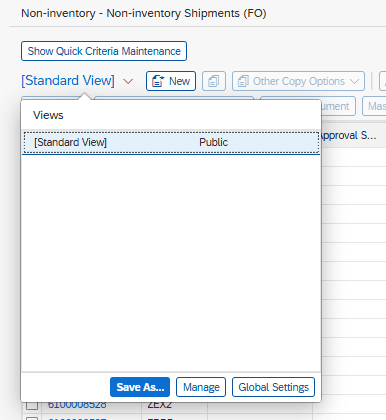
Standard view –
 English
  French
  Spanish
  Portuguese